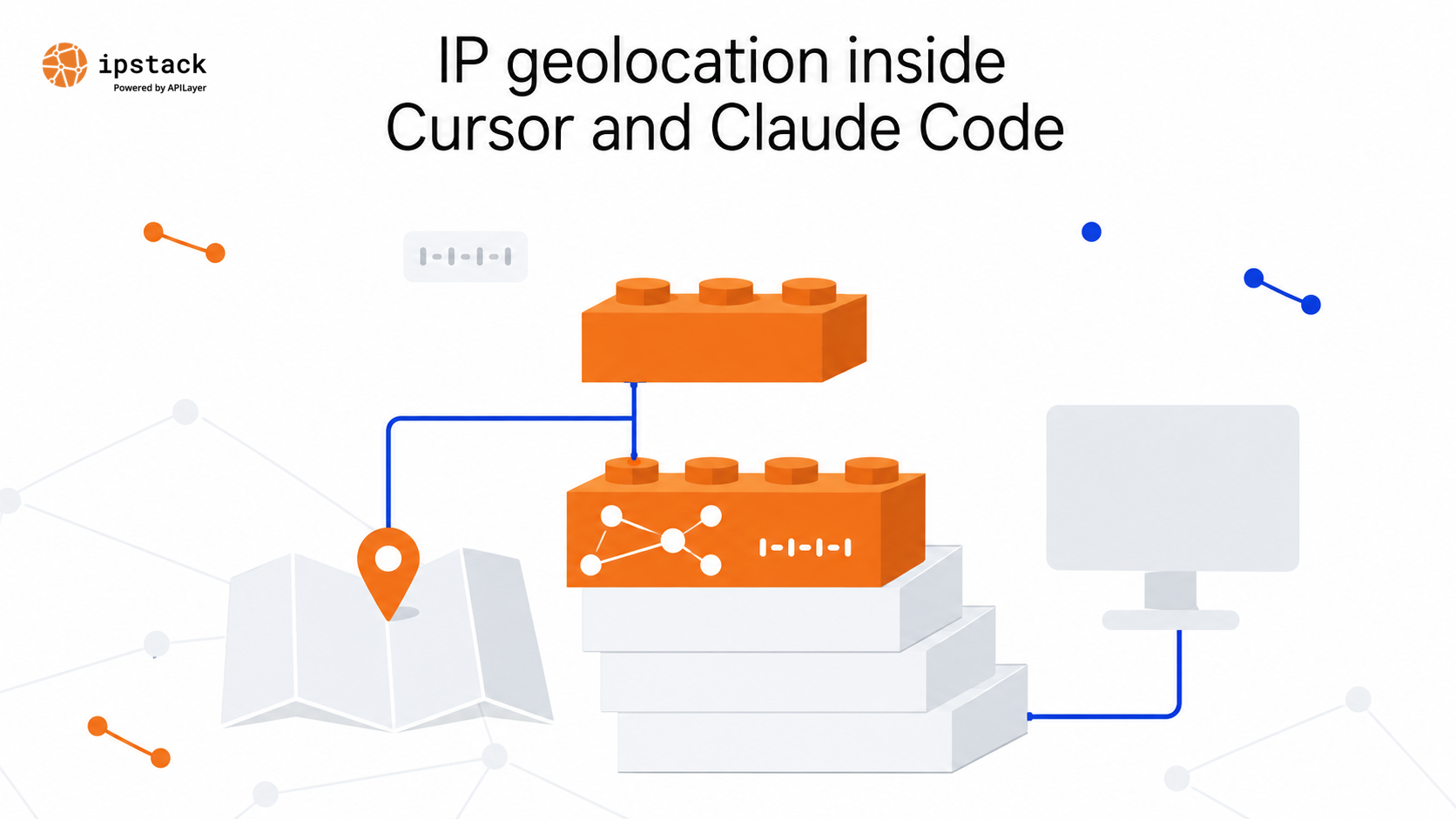
Ask Cursor where 134.201.250.155 resolves to and it will answer. That answer comes from training data, not from the network.
Your coding agent cannot look up an IP address unless you give it something to call. That takes one API key, one script, and one instruction file.
The gap shows up in the code it writes for you. Middleware that hardcodes a country, a currency switch built on an assumption, a test fixture with coordinates that land in the wrong hemisphere.
Can Cursor and Claude Code access live IP geolocation data?
Yes, once you hand them an endpoint they are allowed to hit. Neither editor ships with an IP database. Both can run terminal commands, and both read a project file that tells them which command to run.
So the setup is the same on both sides. Put a key in the environment, add a script the agent can execute, and write two lines telling it to stop guessing.
IPstack covers the data. One call returns continent, country, region, city, ZIP, latitude, and longitude for an IPv4 or IPv6 address, with time zone, currency, connection, and security data available on top.
Get your key first
Create an APILayer account and copy your IPstack access key from the dashboard. The free plan includes 100 requests, which is enough to wire this up and prove it works.
IPstack is part of the APILayer suite, so one account gives you one API key, one dashboard, and one invoice across every API on it.
Put the key in your shell, never in a source file:
export IPSTACK_KEY="your_access_key"
The call your agent will make
Every lookup is a single GET request:
curl "https://api.ipstack.com/134.201.250.155?access_key=$IPSTACK_KEY"
The path segment is the IP you want. Everything else is a query parameter.
Add fields to trim the payload. A full response nests location, time zone, currency, and connection objects, and all of it lands in your agent’s context window:
curl "https://api.ipstack.com/134.201.250.155?access_key=$IPSTACK_KEY&fields=ip,country_code,country_name,region_name,city,latitude,longitude"That returns the seven fields you asked for and nothing else:
{
  "ip": "134.201.250.155",
  "country_code": "US",
  "country_name": "United States",
  "region_name": "California",
  "city": "Los Angeles",
  "latitude": 34.0655,
  "longitude": -118.2405
}
There is also a check endpoint that resolves whatever address the request came from, which is handy when the agent is testing against your own machine:
curl "https://api.ipstack.com/check?access_key=$IPSTACK_KEY&fields=ip,city,country_name"Full parameter reference lives in the IPstack documentation.
How do I add the IPstack API to Cursor?
Two files. A script the agent runs, and a rule telling it to run the script.
Start with scripts/geo.py:
import json, os, sys, urllib.parse, urllib.request

KEY = os.environ.get("IPSTACK_KEY")
if not KEY:
    raise SystemExit("IPSTACK_KEY is not set")

FIELDS = "ip,country_code,country_name,region_name,city,latitude,longitude"

def lookup(ip):
    query = urllib.parse.urlencode({"access_key": KEY, "fields": FIELDS})
    with urllib.request.urlopen(f"https://api.ipstack.com/{ip}?{query}") as response:
        data = json.load(response)
    if data.get("success") is False:
        raise SystemExit(f"ipstack error {data['error']['code']}: {data['error']['info']}")
    return data

print(json.dumps(lookup(sys.argv[1]), indent=2))
Then .cursor/rules/ipstack.mdc. Cursor only picks up project rules from that folder when they use the .mdc extension and carry frontmatter, so a plain .md file there does nothing:
---
description: Resolve IP addresses with IPstack instead of guessing
alwaysApply: true
---

Never invent geolocation values for an IP address.
Run `python3 scripts/geo.py ` and use the JSON it returns.
The key is in IPSTACK_KEY. Do not print it or write it to a file.
If you would rather skip the frontmatter, Cursor also reads an AGENTS.md file in the project root. Same instruction, plain markdown, no metadata.
Now ask the agent where an address resolves to. It runs the script and answers from the response.
The same setup in Claude Code
Claude Code loads CLAUDE.md from your project root at the start of every session. The instruction goes there:
## IP geolocation

Never guess a location for an IP address. Run this instead:

`python3 scripts/geo.py `

The key is in IPSTACK_KEY. Never echo it or commit it.
Export IPSTACK_KEY in the shell you launch claude from, or set it under the env key in .claude/settings.json so every session picks it up without touching your shell profile.
Claude Code asks to approve the command the first time it runs. Approve it, and the lookup becomes part of normal work.
From there, a question like “which region does this address belong to” turns into a script run and an answer with the JSON attached. It does the same when it writes code that needs a real location instead of an invented one.
What to watch for
A bad key fails loudly, which is what you want from a script an agent runs unattended:
ipstack error 101: You have not supplied a valid API Access Key. [Technical Support: support@apilayer.com]Three things worth knowing before you ship this.
Watch your request count while an agent is driving. Something running in a loop gets through an allowance faster than you would by hand, so check usage in the dashboard after the first session and cache anything you resolve more than once.
Requesting a module your plan does not include returns an error rather than a partial response. Stay on the location fields until you need more.
Keep the key in the environment. An agent that can read your source can read a hardcoded key, and anything it writes to a file can end up in a commit.
Start here
Create one APILayer account, grab your API key, and make your first geolocation call in minutes. No credit card required. Start here: https://apilayer.com/products/ipstack/
Frequently asked questions
Can Cursor or Claude Code access live IP geolocation data?
Not on their own. Give either one an API key and a script it is allowed to run, and the lookup becomes a normal step in the conversation.
How do I add the IPstack API to Cursor?
Export your key, add a script that calls api.ipstack.com, then add a rule in .cursor/rules using the .mdc extension that tells the agent to run that script.
Do I need a paid IPstack plan to get IP geolocation data?
No. The free plan covers 100 requests and returns the core location fields, which is enough to build against. Paid plans add SSL, higher request volume, and the additional data modules.
Does IPstack return city and coordinates, or just country?
City and coordinates. A single lookup gives you continent, country, region, city, ZIP, latitude, and longitude, plus optional time zone, currency, connection, and security data.
Is IPstack accurate enough for AI-generated code?
Yes for what this data normally drives: routing, currency defaults, language selection, and fraud checks. Country resolution is reliable, city and coordinates are estimates, and VPN or proxy traffic resolves to the exit node rather than to the user.
Try ipstack free
IP-to-location, ASN, ISP, time zone and threat data from one endpoint. Get a key and make your first call in under a minute.

Karam Alsalhani
All articles by Karam →