Every HTTP request that hits your server carries an IP address, and that address holds a surprising amount of intelligence: country, city, time zone, currency, ISP, and even threat signals. The right IP geolocation API turns that raw address into actionable data your application can use in real time.
You have probably noticed that APILayer offers two such APIs: IPapi and IPstack. They look similar. They are similar. But they are not identical, and picking the right one can save you time, money, and a few headaches down the road. Here is the actual breakdown.
Two APIs, One Company: Here’s Why
Before we go any further, let’s get this out in the open. IPapi and IPstack are both owned and operated by APILayer. This is not a competitor versus competitor face-off. These are similar products under the same platform.
So why do two products exist?
They started as independent projects with different developer communities and slightly different feature roadmaps. Over time, APILayer brought them both under its umbrella, but rather than merging them into a single product (and breaking thousands of existing integrations), each kept its own identity. You can imagine it like Toyota selling both the Camry and the RAV4. Same manufacturer, same reliability standards, but each built for a different shape of use case.
That shared DNA is exactly why this comparison exists. Developers land on both product pages, see overlapping feature lists, and genuinely do not know which one to choose. The goal here is to give you a clear, honest answer based on what each API actually offers today.
What IP Geolocation Does?
An IP geolocation API takes an IP address and returns the physical location and metadata attached to it: country, city, region, latitude and longitude, time zone, currency, ISP, and more. Developers use this data for content localization, fraud detection, analytics enrichment, regulatory compliance, and personalized user experiences.
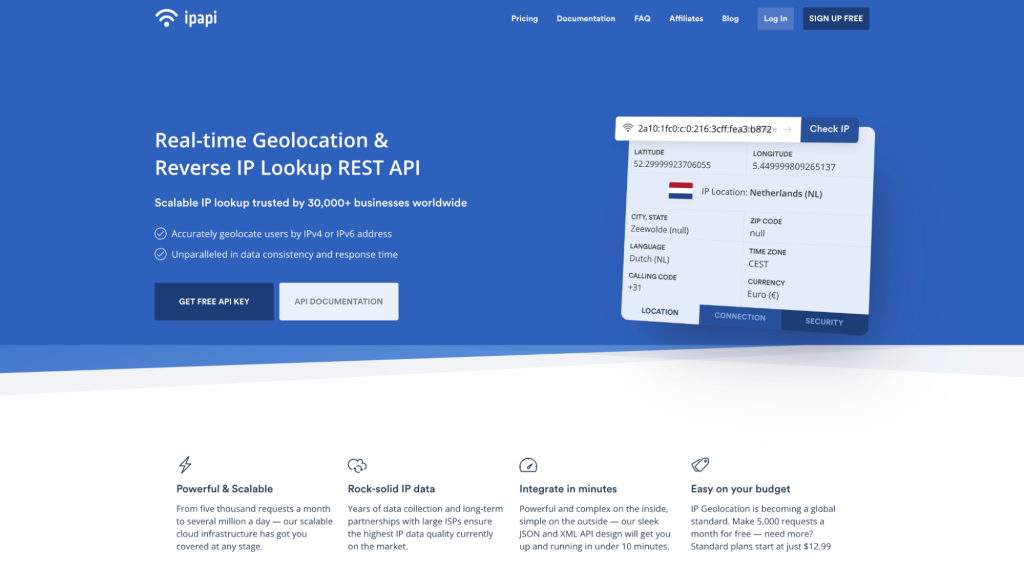
IPapi is a REST-based IP intelligence API that resolves IPv4 and IPv6 addresses into over 45 unique data points, including location coordinates, ASN and ISP details, connection type, and optional security threat assessments. Its base URL is https://api.ipapi.com/api, and it returns results in JSON or XML format within milliseconds. You authenticate with a single access_key query parameter, making integration a one-liner in any HTTP client.
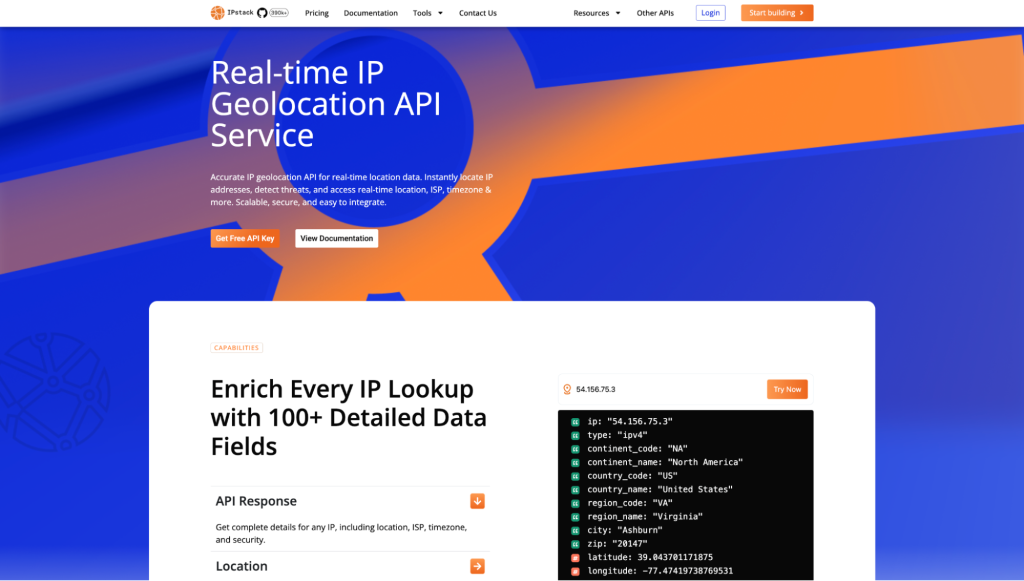
IPstack is a real-time IP to geolocation API built for speed and scale, currently handling between 2 and 3 billion requests per day across its infrastructure. Its base URL is https://api.ipstack.com/{ip_address}, and it supports the same JSON and XML output formats with identical authentication via an access_key parameter. IPstack also ships with an official Postman collection and a ChatGPT integration for quick interactive lookups during development.
If you are reading this comparison, you probably already know the basics. So let’s skip the textbook explanation and get into what makes these two APIs different.
Side-by-Side Feature and Pricing Comparison
Here is where the real differences show up. Both APIs share the same four-tier pricing structure, and the monthly request allowances are identical across tiers. But the features bundled into each tier differ in ways that matter.
Feature Comparison
Feature | IPapi | IPstack |
HTTPS Encryption | All plans | All plans |
Location Data | All plans | All plans |
Time Zon e Module | All plans | All plans |
Currency Module | All plans | All plans |
Connection/ASN Data | All plans | All plans |
Bulk Lookups | Business ($59.99/mo) and above | Professional+ ($99.99/mo) only |
Security Module | Business Pro ($99.99/mo) only | Professional+ ($99.99/mo) only |
Response Formats | JSON, XML | JSON, XML |
JSONP Callbacks | Yes | Yes |
Hostname Lookup | Optional parameter | Optional parameter |
Language Support | Multi-language location names | Multi-language location names |
Postman Collection | Not available | |
ChatGPT Plugin | Not available | Available |
SDK Page | Not available |
Pricing Comparison
Its actually same for both of them.
Plan Tier | IPapi | IPstack |
Free Tier | 5,000 lookups (limited, no support) | 5,000 lookups (limited, standard support) |
Tier 1 | $12.99/mo, Standard, 50K lookups | $12.99/mo, Basic, 50K lookups |
Tier 2 | $59.99/mo, Business, 500K lookups | $59.99/mo, Professional, 500K lookups |
Tier 3 | $99.99/mo, Business Pro, 2M lookups | $99.99/mo, Professional+, 2M lookups |
Annual Billing Discount | Up to 15% off | Up to 15% off |
What Actually Differs
Most of this grid looks identical, and that is because it mostly is. The pricing tiers, overage rates, response fields, and supported formats match across both products. But one difference genuinely matters.
Bulk lookups are available earlier on IPapi.
IPapi includes bulk IP lookups starting at its $59.99/mo Business plan. IPstack holds this feature back until the $99.99/mo Professional+ tier. If your application needs to resolve batches of IP addresses in a single API call (common in log analysis, batch fraud screening, and data enrichment pipelines), IPapi gives you that capability at a lower price point.
The security module (proxy detection, Tor identification, threat assessment, VPN detection, crawler identification) is gated at the top tier on both APIs. You pay $99.99/mo to access it regardless of which product you choose.
IPstack does offer a few extras in its developer experience. It publishes an official Postman collection for testing API calls, and it has a ChatGPT integration for quick lookups. These are convenience features, not core functionality differences, but they matter if your workflow already lives in Postman.
Real API Calls: Both in Action
Let’s look at what each API actually returns. Below are standard lookup requests to both APIs for the same IP address: 134.201.250.155 (a Los Angeles address).
IPapi Request
Endpoint: https://api.ipapi.com/api/134.201.250.155
curl “https://api.ipapi.com/api/134.201.250.155?access_key=YOUR_ACCESS_KEY” |
Python:
import requests

response = requests.get(
    "https://api.ipapi.com/api/134.201.250.155",
    params={"access_key": "YOUR_ACCESS_KEY"}
)
data = response.json()
print(data["city"], data["region_name"], data["country_name"])
Response (trimmed for clarity):
{
  "ip": "134.201.250.155",
  "type": "ipv4",
  "continent_code": "NA",
  "continent_name": "North America",
  "country_code": "US",
  "country_name": "United States",
  "region_code": "CA",
  "region_name": "California",
  "city": "Los Angeles",
  "zip": "90013",
  "latitude": 34.0655,
  "longitude": -118.2405,
  "location": {
    "geoname_id": 5368361,
    "capital": "Washington D.C.",
    "languages": [
      {"code": "en", "name": "English", "native": "English"}
    ],
    "country_flag": "http://assets.ipapi.com/flags/us.svg",
    "country_flag_emoji": "\ud83c\uddfa\ud83c\uddf8",
    "calling_code": "1",
    "is_eu": false
  },
  "time_zone": {
    "id": "America/Los_Angeles",
    "current_time": "2024-06-14T01:45:35-07:00",
    "gmt_offset": -25200,
    "code": "PDT",
    "is_daylight_saving": true
  },
  "currency": {
    "code": "USD",
    "name": "US Dollar",
    "plural": "US dollars",
    "symbol": "$",
    "symbol_native": "$"
  },
  "connection": {
    "asn": 25876,
    "isp": "Los Angeles Department of Water & Power"
  }
}
IPstack Request
Endpoint: https://api.ipstack.com/134.201.250.155
|
curl “https://api.ipstack.com/134.201.250.155?access_key=YOUR_ACCESS_KEY” |
Python:
import requests

url = 'https://api.ipstack.com/134.201.250.155?access_key=YOUR_ACCESS_KEY'

response = requests.get(url)
data = response.json()

print(data['city'], data['region_name'], data['country_name'])-
Response (trimmed for clarity):
{
  "ip": "134.201.250.155",
  "type": "ipv4",
  "continent_code": "NA",
  "continent_name": "North America",
  "country_code": "US",
  "country_name": "United States",
  "region_code": "CA",
  "region_name": "California",
  "city": "Los Angeles",
  "zip": "90013",
  "latitude": 34.0655,
  "longitude": -118.2405,
  "location": {
    "geoname_id": 5368361,
    "capital": "Washington D.C.",
    "languages": [
      {"code": "en", "name": "English", "native": "English"}
    ],
    "country_flag": "https://assets.ipstack.com/images/assets/flags_svg/us.svg",
    "country_flag_emoji": "\ud83c\uddfa\ud83c\uddf8",
    "calling_code": "1",
    "is_eu": false
  },
  "time_zone": {
    "id": "America/Los_Angeles",
    "current_time": "2024-06-14T01:45:35-07:00",
    "gmt_offset": -25200,
    "code": "PDT",
    "is_daylight_saving": true
  },
  "currency": {
    "code": "USD",
    "name": "US Dollar",
    "plural": "US dollars",
    "symbol": "$",
    "symbol_native": "$"
  },
  "connection": {
    "asn": 25876,
    "isp": "Los Angeles Department of Water & Power"
  }
}
What to Notice
The response structures are nearly identical. Both APIs return the same field names, the same nested objects, and the same data types. If you built your application against one API’s schema, switching to the other would require minimal code changes (mainly updating the base URL).
The endpoint URL structure has one small difference. IPapi includes /api/ in the path (https://api.ipapi.com/api/134.201.250.155), while IPstack places the IP address directly after the domain (https://api.ipstack.com/134.201.250.155). This is cosmetic, but you will hardcode it early, so it is good to know upfront.
When to Choose IPapi
Pick IPapi if you need bulk lookups at a mid-range budget.
This is the clearest differentiator. IPapi includes batch IP lookups at its $59.99/mo Business plan, letting you send up to 50 IP addresses in a single API call. If you are building a log analysis pipeline or running periodic fraud scans across a list of IPs, this saves you both money and API calls.
Pick IPapi if you want the simplest possible geolocation setup.
IPapi’s documentation is straightforward, and the product does one thing well: resolve IPs to location data. If your project is an MVP or a backend service where you just need coordinates and country codes, IPapi delivers without extra noise.
Pick IPapi if budget matters and bulk is on your roadmap.
At $59.99/mo you get 500,000 lookups and bulk support. Getting the same combination on IPstack costs $99.99/mo. That is a $40/mo difference ($480/year) for the same capability.
When to Choose IPstack
Pick IPstack if developer experience is a priority.
IPstack provides a Postman collection that lets you fork it into your workspace and start testing immediately. It also has an official SDK page and a ChatGPT plugin for ad hoc lookups. If your team evaluates APIs by running them in Postman first, IPstack makes that process faster.
Pick IPstack if you need both bulk lookups and the security module together.
Both products bundle these features at $99.99/mo. The security module includes proxy detection, Tor node identification, threat level scoring, VPN service detection, and crawler identification. If your primary use case is fraud detection or compliance screening at scale, IPstack’s stronger documentation ecosystem around security use cases (including dedicated blog posts) may give you a faster path to production.
Pick IPstack if you are building with a larger team.
IPstack’s documentation hub on APILayer is more detailed, and Postman collections make onboarding new developers easier. When multiple team members need to test and integrate the same API, these tooling differences add up.
The Honest Recommendation
For most developers starting a new project, start with IPapi. At the $59.99/mo tier, you get bulk lookups included, which IPstack does not offer until $99.99/mo. The response formats are identical, the data quality comes from the same infrastructure, and the pricing on every other tier is a match.
If your project specifically requires the security module (proxy/VPN/Tor detection, threat scoring), both products price it at $99.99/mo. At that tier, the playing field is level. IPstack’s Postman collection and broader tooling ecosystem give it a slight edge for teams, while IPapi’s simpler approach works better for solo developers.
If you just need basic geolocation data on a free or starter plan, pick either one. They are functionally identical at those tiers.
Getting Started
Ready to try it yourself? Both IPapi and IPstack offer free tiers, no credit card required. Sign up for an APILayer account, grab your API key, and make your first geolocation call in under two minutes. Start with IPapi here or get started with IPstack here.
For full API reference and integration guides, check out the official documentation:
Want to learn more about what you can build with IP geolocation? The APILayer blog has a thorough guide on getting started with IPstack and IP geolocation basics, and a roundup of the best IP geolocation APIs and their use cases.
Frequently asked questions
Are IPapi and IPstack the same product?
No. They are separate products with their own endpoints, documentation, and feature tiering, but both are owned by APILayer and share the same underlying IP data infrastructure. The response schemas are nearly identical, though feature availability differs by plan.
Can I switch from IPapi to IPstack (or vice versa) without rewriting my code?
Mostly yes. The JSON response structure is almost identical between the two APIs. The main changes you would need to make are updating the base URL and, depending on your tier, adjusting for feature availability differences like bulk lookup access.
Which API has better data accuracy?
Both APIs pull from the same IP intelligence data sources maintained by APILayer, so accuracy is equivalent. Data is updated multiple times per day on both products, and both support over 2 million unique locations globally.
Do I need a paid plan to use HTTPS?
No. Both IPapi and IPstack include HTTPS (SSL encryption) on all plans, including the free tier. You can connect securely from day one.
What is the main reason to choose one over the other?
The most practical differentiator is bulk lookup availability. IPapi includes bulk lookups at its $59.99/mo Business plan, while IPstack requires the $99.99/mo Professional+ plan for the same feature. If bulk lookups matter to your use case, IPapi saves you $40/mo.
Try ipstack free
IP-to-location, ASN, ISP, time zone and threat data from one endpoint. Get a key and make your first call in under a minute.

Karam Alsalhani
All articles by Karam →