There are currently a good number of IP intelligence API providers, and a consequential problem is having to evaluate which one of them is worth it.
At the most basic level, you should be able to know 2 facts:
- how much you pay per single lookup
- how much of technical intelligence data can a provider return upon your request
In this blog, you’d know how to calculate IP lookup cost for any provider, and look more deeply than what they put on their pricing breakdown page.
With this knowledge, you can know how to pick an IP intelligence provider that best meets your budget, scope, and other requirements.
TL;DR
- IP intelligence APIs are services that help you have geographical insights into each of your users; both honest and bad actors.
- Lookup Cost = Price ÷ Maximum Monthly Request
- Apart from actual price, you have to also consider if a provider returns sufficient technical data for your IP lookups.
- Great examples of intelligence API providers include IPStack, IPInfo, and IPLocate
| IP Intelligence Provider | Price Per Lookup | Annual Plan Discount | Free Trial | Threat Detection | VPN & Proxy Detection | Bot Crawler Flag | SSL Support |
|---|---|---|---|---|---|---|---|
| IPStack | $0.001 | 15% | ✅ | ✅ | ✅ | ✅ | ✅ |
| IPWho | $0.00002 | 30% | ✅ | ✅ | ✅ | ✅ | ❌ |
| IPInfo | $0.0002 | 17% | ✅ | ✅ | ✅ | ❌ | ❌ |
| IPLocate | $0.0003 | 16% | ✅ | ✅ | ✅ | ❌ | ❌ |
| Abstract API | $0.0001 | 10% | ✅ | ✅ | ✅ | ❌ | ❌ |
| IPWhoIs | $0.00003 | 17% | ✅ | ✅ | ✅ | ❌ | ❌ |
| IPData | $0.0001 | 20% | ✅ | ✅ | ✅ | ❌ | ❌ |
What is IP Intelligence?
IP intelligence is all about getting raw data about an address, linking it with incidental data, and making more holistic decisions about such an IP.
First, IP intelligence starts with geolocation by looking into the physical location of an IP interacting with a server. Secondly, it’s about decoding anonymity attempts of such an address.
- Is it using Tor?
- Is it hiding behind a VPN
- Is it using a proxy?
Most importantly, IP intelligence investigates the level of security threat an address might pose to your server. Assuming you’re a crypto protocol, you might want to always check your IPs against blacklisted IPs of renowned blackhats.
That said you have to keep one thing in mind, the goal of IP intelligence is not to tick boxes, no. Instead, it’s to use this raw data, process it, and know what to do with it.
For example, it’s not every time a user uses VPN that they pose security risks; in fact, that’s an exaggeration. Nonetheless, you should know when to connect the dots.
7 IP Look Up Tools: Technical Teardown
We will be going over a good number of IP intelligence APIs.
For consistency and overall fairness, we will consider the starting price in their basic plans as well as only monthly subscription without annual discount.
IPStack
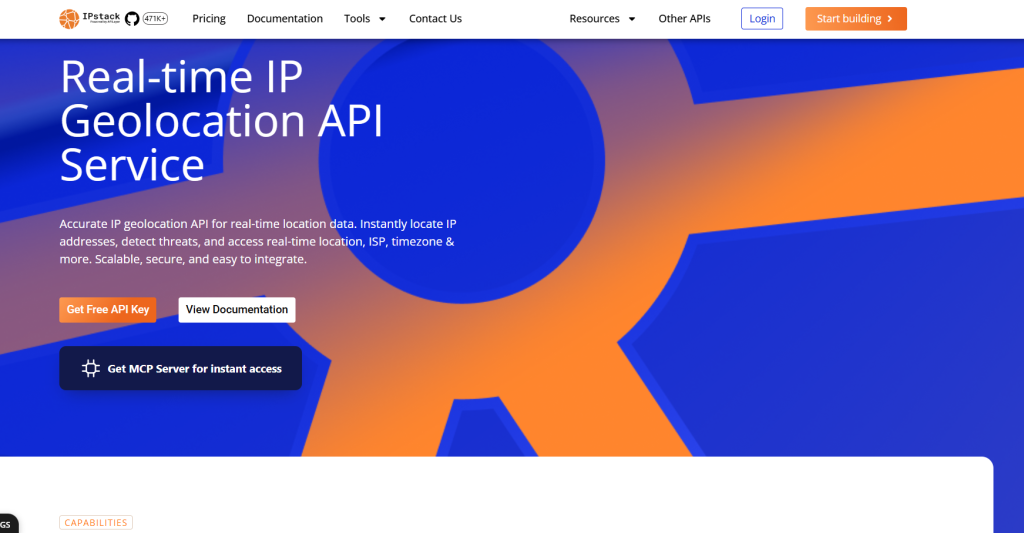
IPStack is an intelligence API provider solely built for you to easily have IP insights into all the addresses interacting with your product. With IPStack, you’ll have a clean API response about threat actors and threat actors. It detects
- VPN
- Proxies, even if it’s residential or ISP
- Tor, and also
- Threat-level results
For cybersecurity engineers, IPStack supplies you with the SSL certificate of suspicious addresses so you can have a wider threat research of such addresses across the internet.
That said, IPStack has a free trial plan that affords you to request up to 100 lookups for free. Moving on to pricing, IPStack costs $12.99 per month; meaning a single request costs $0.001.
Pros
- Affordable price
- Allows bull endpoints
- Returns clean security threat analysis
- Offers 15% discount on annual plan
Cons
- No support for pay-as-go
IPWho
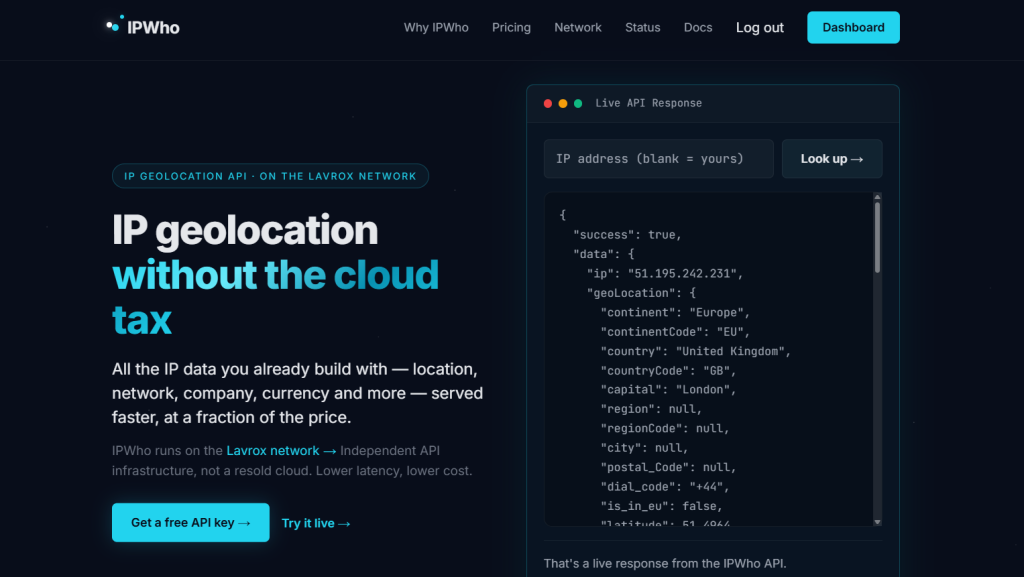
It focused on delivering cogent IP data such as timezone, country, continent, and threat level. The main endpoint that differentiates IPWho is responding with the userAgent of IPs.
This gives a wider level of intelligence as you can further the agent to know the devices and browsers that your users or visiting agents use, so you can optimize for the same.
Only that as much as the userAgent report is good, it can be reset by the visitor without IPWho knowing since it doesn’t detect bots.
While every other IP intelligence provider is catering ultimately for enterprise clients, IPWho pitched its tent on providing IP data for solo devs and very early stage startups.
This reflects in its pricing of $3 per month with 5k lookups per day. Invariably, this means:
- 150k lookups per month for only $3
- you are paying $0.00002 per lookup
While this pricing is surprisingly cheap, there are objectively some concerns about IPWho’s level of quality.
I tested it with a VPN and then a proxy. In both cases, it returned false as it didn’t catch them. By extension, there is a high tendency it might also not accurately catch some sensitive security details.
Pros
- Supports bulk IP lookups
- Has a free trial
- Provides userAgent data
Cons
- Only one API key
- Results are largely inaccurate
IPInfo
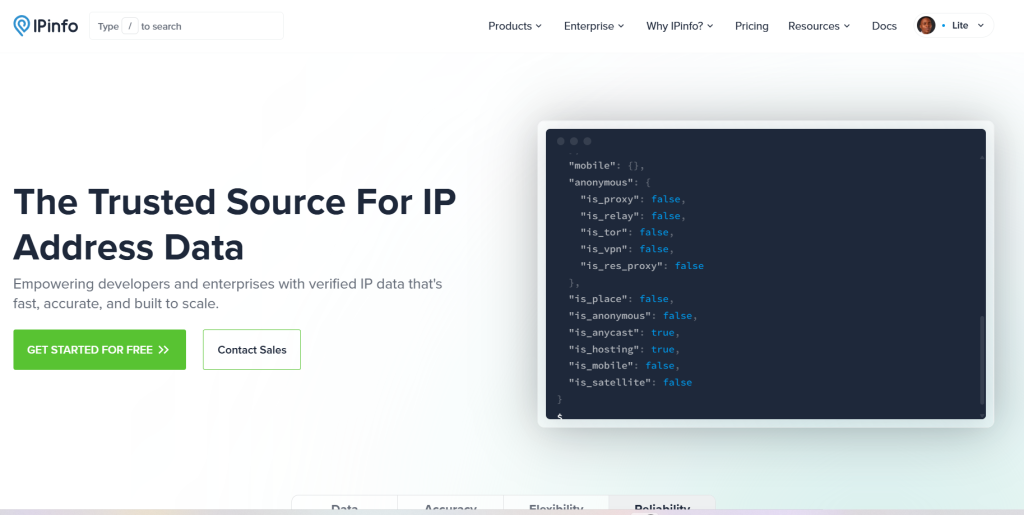
IPInfo has been a known name in the industry as adopted by many big companies, such as Microsoft and Google. Apart from the general IP intelligence features, IPInfo recently launched a feature to have a fair idea of a landmark, such as airport, in the location of an IP address.
IPInfo starts at $31 per month with 150k request bandwidth, signaling $0.0002 per IP lookup.
The basic plan of IPInfo is IPCore, and it only detects basic geolocation data such as privacy and city. However, it neither detects residential proxies nor gives the geolocation range of an address. The IPInfo Plan gives way more intelligence context.
Pros
- Gives 2 free months for annual subscribers
- Gives 17% discount on annual plans
- Returns geographical landmarks
- Gives latitude-longitude range
Cons
- Relatively expensive
- Doesn’t return currency
- Doesn’t have multiple APIs
IPLocate
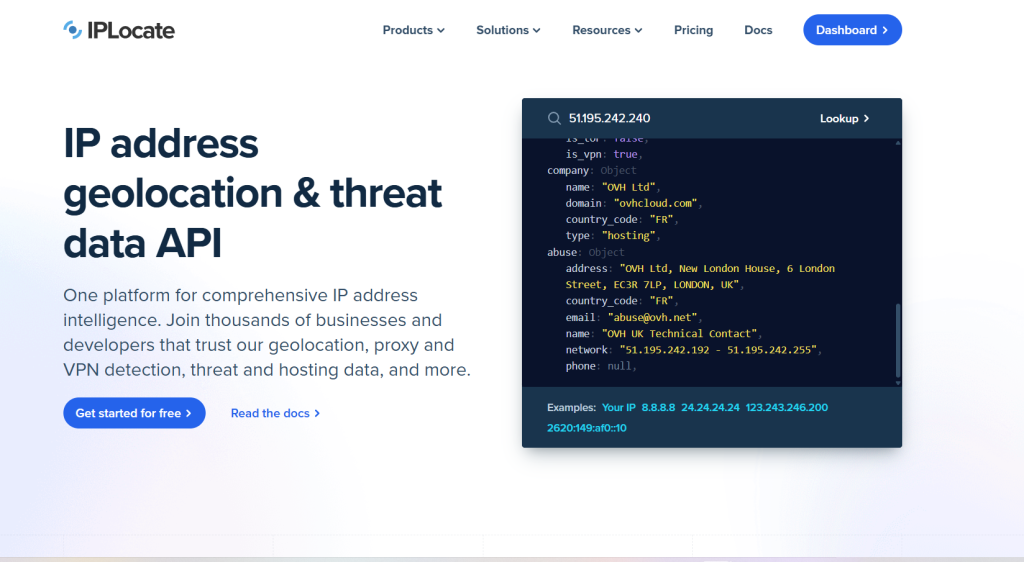
IPLocate is one of the intelligence API a providers in the market that simply works.
Apart from basic geolocation details, it also returns privacy data, such as:
- VPN
- cloud relay
- abuse IP directory matching
It also goes as far as detecting the hosting and datacenter that any IP interacting with your product uses.
IPLocate’s pricing starts at $25 for 100k requests, which is pointing at $0.0003 per IP lookup. While it might appear as though it’s expensive, you’d discover there’s not much difference after a quick analysis.
Almost all IP intelligence providers offer 50k lookups for quite around $13. The main difference here is how IPLocate is keen on ensuring the minimum threshold of 100k requests commitment from their customers.
In addition, for you to calculate how much value you’d get for your money, you need to consider how IPLocate doesn’t have tiers. Every user has access to all the API responses.
Pros
- Gives robust threat API response
- Detects hosting provider and datacenter
- Gives a 2-year waiver on annual plans
- Offers one-time purchase that doesn’t expire
Cons
- The pricing is too high for experimental or early-state products
Abstract API
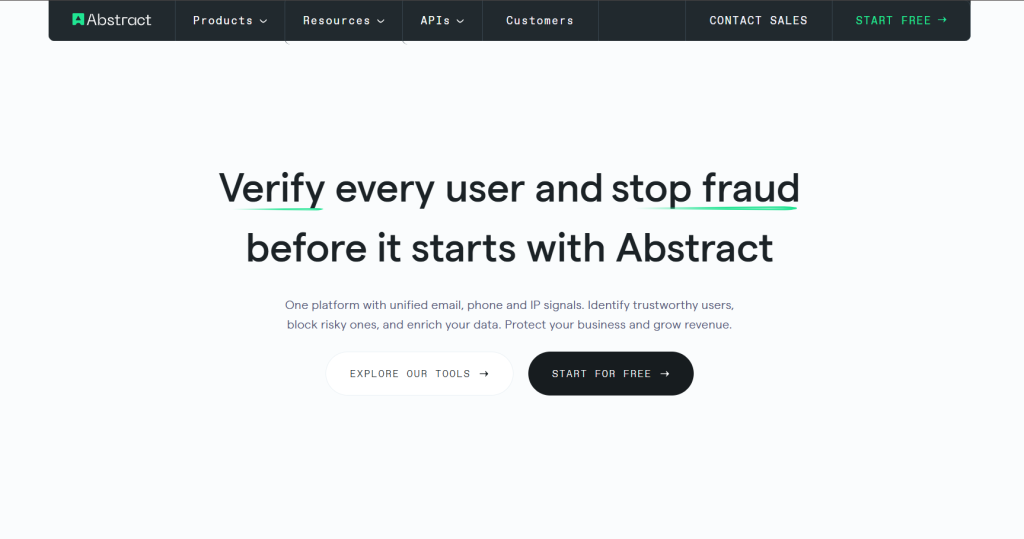
Since Day 1, Abstract API has always been positioned as the go-to API for detecting and blocking fraudulent IPs. Over the years, it has evolved product suites across company enrichment, web scraping, and even mail validation.
On the IP front, Abstract has two products: IP geolocation and IP intelligence. Its IP intelligence API works well around VPN detection, IP soft-blocking, and threat signals.
With Abstract’s Starter Plan, you’ll have access to 200k requests per month for $19, which mathematically means you’re paying $0.095 per IP lookup. However, you’ll only have access to location, currency, a timezone, ASN, and flag.
However, with this starter pack, you won’t get data about VPN, relay, abuse and so on. When you think about it, that is basically IP geolocation, not IP intelligence.
To get actual security insights and company details, you’ll need to sign up for the professional plan, which is $39 for 200k lookups. In terms of capacity, the highest number of lookups you can make per month is 3.5 million.
Pros
- Flexible pricing based on bandwidth of requests you’ll make
- Provides security intelligence
- Gives multiple API keys
- Supports up to 3.5 million lookups
Cons
- Only the Professional Plan provides IP intelligence data
- Doesn’t support flexible additional calls outside of subscription
- No free trial
IPWhoIs
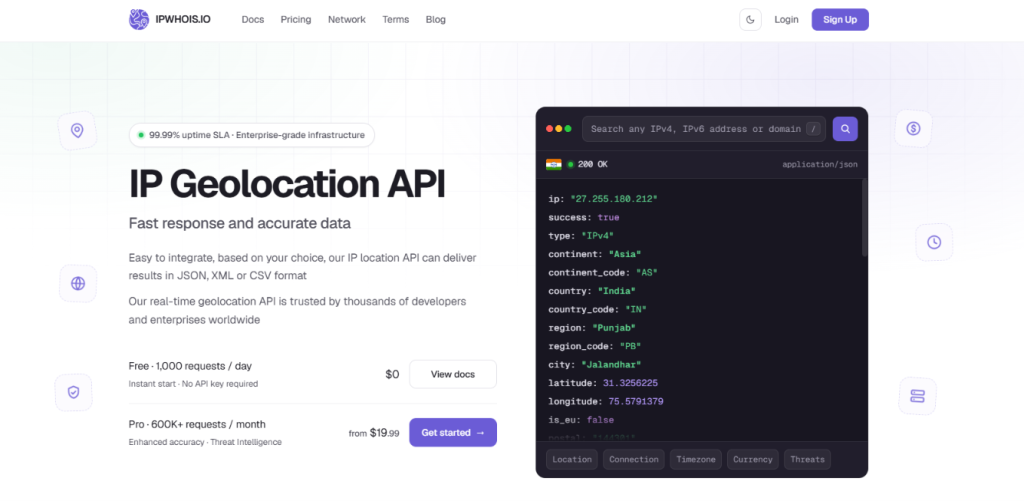
IPWhoIs is an enterprise-focused IP intelligence API provider with pricing starting at $19 for 600k IP lookups; that is about $0.00003 per request.
As a provider focusing on enterprise, its Basic plan might not be worth it as it doesn’t allow bulk endpoint parsing, as well as threat level responses.
The actual intelligence data starts with its Business Plan of ~$40.
On the observability front, the dashboard will promptly update you about successful requests as well as graphical analysis.
Pros
- Allows bulk endpoint
- Returns security threat level responses
- Give latitude-longitude range
Cons
- Doesn’t offer multiple API keys
- Actual IP intelligence starts with the Business plan
IPData
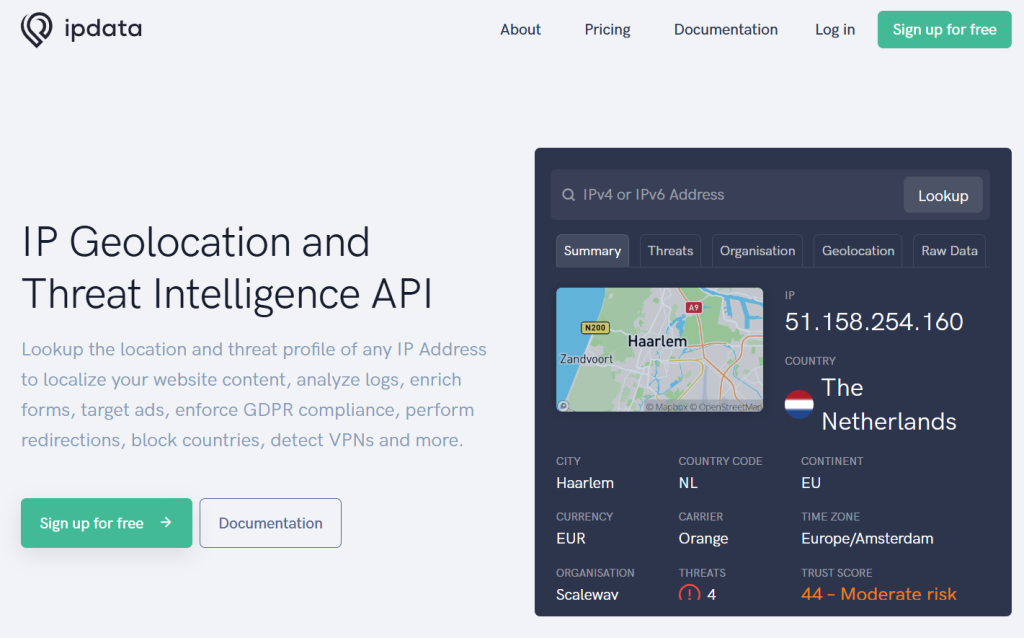
If you are more after security responses about any IP, IPData provides you with a sufficient threat report to determine what to do with an interacting IP address.
Apart from proxy and VPN detection, it also reports iCloud relay, blacklisting, and trust scores.
Moving on to the pricing, IPData starts with a $10 personal plan with 2,500 daily requests, which turns out to be 75k monthly requests.
However, if you want IP intelligence data, the Personal Plan doesn’t cut it. You’d have to sign up for the Business Plan, which is $120.
Pros
- Provides ML IP reputation scores
- Provides company data
- Gives commercial blocklists
Cons
- Requests are capped per day even though you subscribe for a month
- Has neither MCP nor SDK for faster developer experience
- Actual IP intelligence data can only be returned with the Business Plan
- Doesn’t support multiple endpoints natively
Quick Demo: How to Get IP Intelligence Data with Python
With the theoretical assessment of IP data retrieval so far, you might want to ask, “how do I quickly get the intelligence data of an IP address?”
To explain this, we will be writing a quick script, using the API of IPStack.
Python Script
Here is a Python script to fetch intelligence response about an Amsterdam IP:
					import requests

IPStack_API_KEY = "xyz"
IP_Pending_Investigation = "51.158.254.160"

url = f"https://api.ipstack.com/{IP_Pending_Investigation}"

params = {
    "access_key": IPStack_API_KEY,
    "format": 1
}

try:
    response = requests.get(url, params=params, timeout=10)
    response.raise_for_status()

    data = response.json()

    if "error" in data:
        print("API error:", data["error"])
    else:
        for key, value in data.items():
            print(f"{key}: {value}")

except requests.RequestException as e:
    print(f"Request error: {e}")
Obviously, we:
- Imported requests to the script and laid out the API, IP, and URL.
- Created a params object for storing the API key and format.
- Printed out the response as our data.
Result
					ip: 51.158.254.160
type: ipv4
continent_code: EU
continent_name: Europe
country_code: NL
country_name: Netherlands
region_code: NH
region_name: Noord-Holland
city: Amsterdam
zip: 1101
latitude: 52.349998474121094
longitude: 4.916999816894531
msa: None
dma: None
radius: 0
ip_routing_type: fixed
connection_type: tx
location: {'geoname_id': 2759793, 'capital': 'Amsterdam', 'languages': [{'code': 'nl', 'name': 'Dutch', 'native': 'Nederlands'}], 'country_flag': 'https://assets.ipstack.com/flags/nl.svg', 'country_flag_emoji': '🇳🇱', 'country_flag_emoji_unicode': 'U+1F1F3 U+1F1F1', 'calling_code': '31', 'is_eu': True}
time_zone: {'id': 'Europe/Amsterdam', 'current_time': '2026-09-14T22:39:58+02:00', 'gmt_offset': 7200, 'code': 'CEST', 'is_daylight_saving': True}
currency: {'code': 'EUR', 'name': 'Euro', 'plural': 'euros', 'symbol': '€', 'symbol_native': '€'}
connection: {'asn': 12876, 'isp': 'Scaleway s.a.s.', 'sld': None, 'tld': None, 'carrier': 'scaleway s.a.s.', 'home': False, 'organization_type': 'Data Services', 'isic_code': 'J6311', 'naics_code': '518210'}
As seen above, we can easily see that the IP is from the Netherlands. Other cogent details are:
- Longitude-latitude range
- Datacenter proxy provider
- As well as other geolocational intelligence data
Concluding Thoughts
You have to read in between the lines as a backend developer to maximally gain from IP intelligence providers.
First thing, after knowing the monthly or annual price, you should mentally calculate the per lookup price to be sure it’s within a range you’re willing to go for.
Secondly, check if the Basic Tier has sufficient intelligence offerings, so you won’t be forced to go for way higher plans.
Amidst everything, if you’re unsure of which provider to go ahead with, IPStack is objectively an all-round API with good offerings and reliability for enterprise and retails. Sign up here to get started.
Frequently asked questions
How do you calculate cost per IP lookup?
Mathematically, divide the price of the plan over the number of requests you can make with it.
Which IP intelligence API is cheapest for high volume?
IPWho is the cheapest IP intelligence API with its sub $3 per 150k requests.
What data fields do IP intelligence APIs return?
Data fields IP intelligence APIs return include IP continent, zip code, and security.
Do free IP lookup API tiers include geolocation data?
Yes, most free tiers include geolocation data. However, most don’t offer advanced geolocation data for intelligence.
Is there a free IP intelligence API?
Yes, of course, there are free IP intelligence APIs, including the free tier of IPStack.
Is there any difference between IP geolocation and IP intelligence?
Definitely, IP geolocation is mainly about detecting where a user is based physically, while IP intelligence is more holistic in discovering the physical location of an IP as well as assessment of stealth mode, risk score, and security threat potential.
Try ipstack free
IP-to-location, ASN, ISP, time zone and threat data from one endpoint. Get a key and make your first call in under a minute.

Karam Alsalhani
All articles by Karam →